
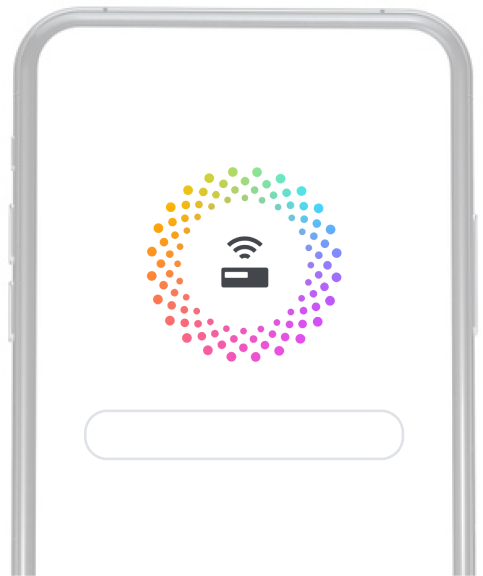
4G LTE Connection
Fast download and online view


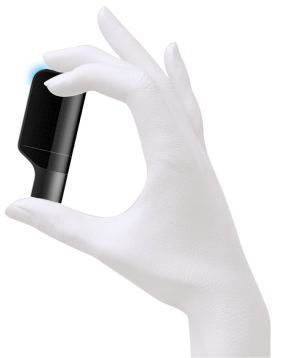
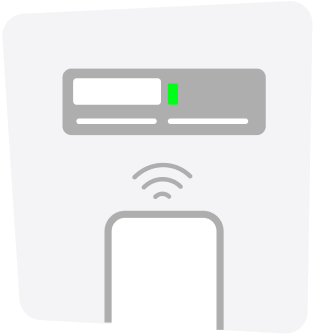

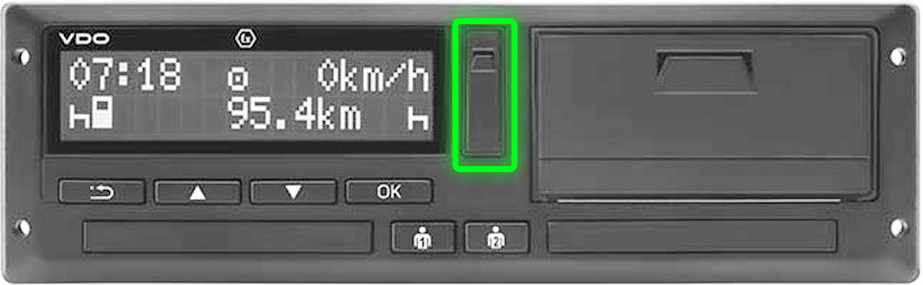
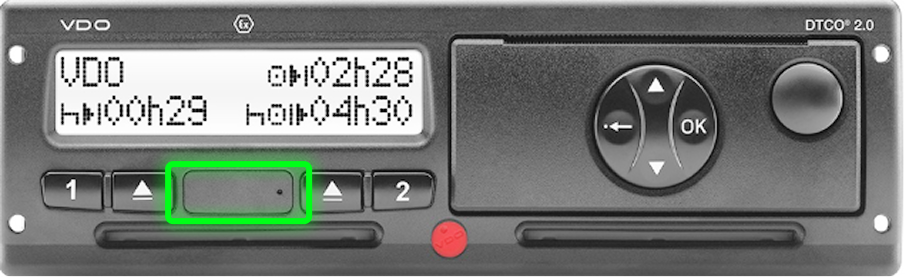
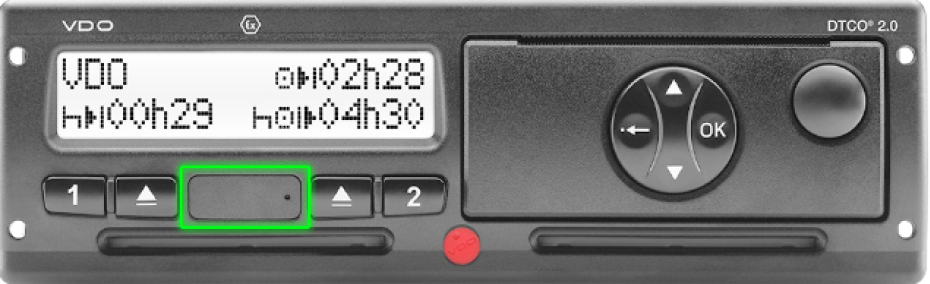
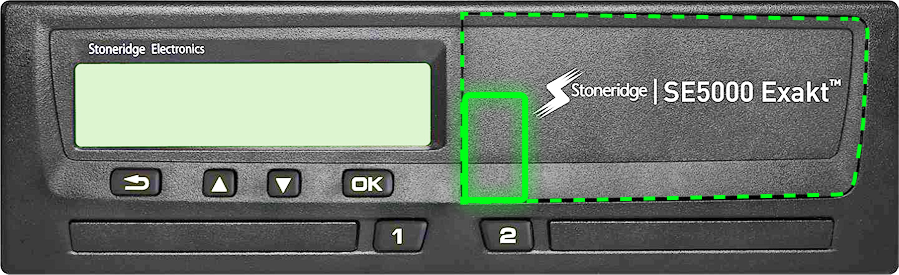
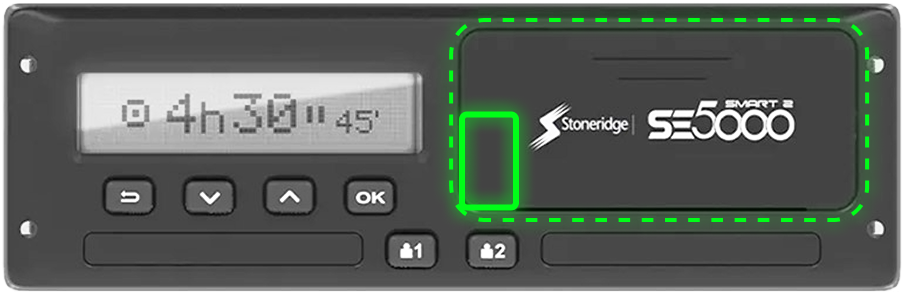
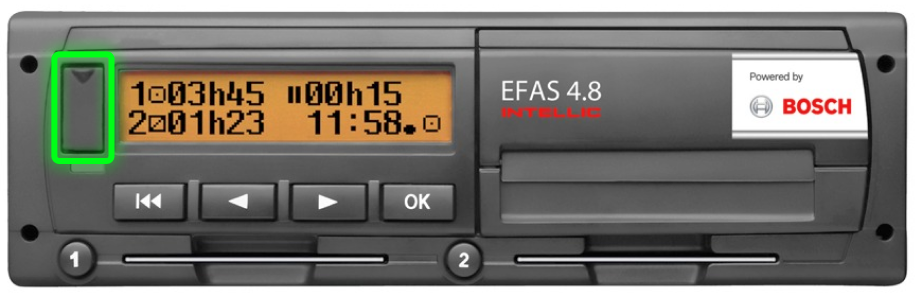
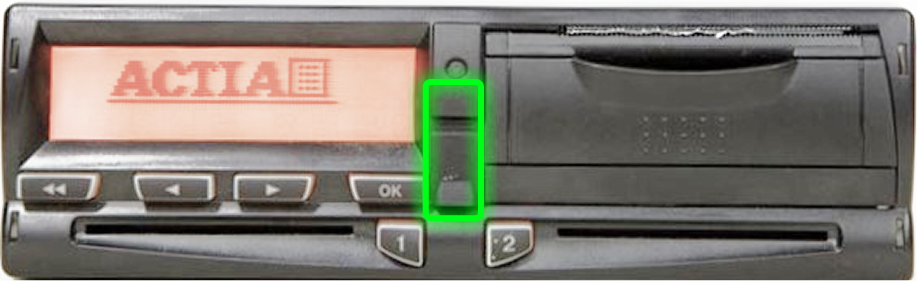
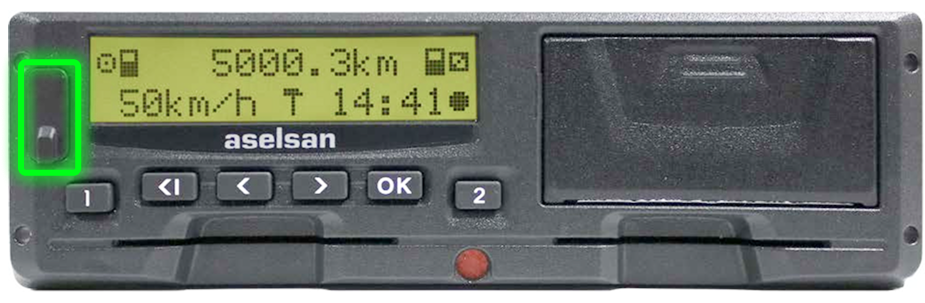

Connect to the tachograph,
monitor all information in real time.
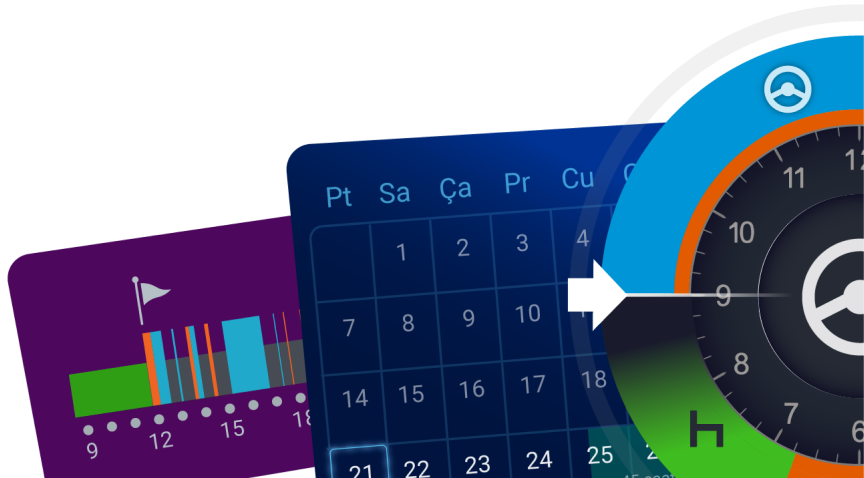
It is a recording and tracking device that is mandatory for all freight-carrying vehicles weighing over 3500 kg such as trucks, vans and tractor units, and for bus and minibus type vehicles carrying more than 17 passengers. The tachograph, also known as a tachometer, stores in its memory information such as the vehicle's speed throughout the journey, the distance it has traveled, the driving distance, the vehicle usage times, and the driver's rest periods, together with the identity information of the driver operating the vehicle, and can provide a detailed report when requested.
A digital tachograph collects and stores the following data:
If a bus or truck has a digital tachograph, the driver needs a driver card to be allowed
to drive that vehicle. The driver card has a predominantly white
background. A driver can hold only one card, and a personal driver card
is valid for five years.
(see: how to obtain a driver card)
The driver card records the dates and times the card was used for a trip, as well as information about the vehicle it was used in. It keeps a record of the vehicle's odometer readings, registration number, the duration of each journey made, and the total distance. It also records the presence and information of any co-drivers in the travel log. The driver card stores the data recorded for each day the card is used and has an average memory capacity of 28 days. Data for the last 365 days is also stored in the internal memory of the digital tachograph in which the card was used and can be downloaded. Driver card data can be displayed on the tachograph screen, printed by the tachograph's vehicle unit, or downloaded via a card reader or other special equipment. It is technically possible to use a vehicle without a driver card, but this is contrary to the regulations. When a vehicle is used without a card, the vehicle itself will also record this, and this record can be retrieved from the tachograph.
If a bus or truck has a digital tachograph, the driver needs a driver card to be allowed
to drive that vehicle. The driver card has a predominantly white
background. A driver can hold only one card, and a personal driver card
is valid for five years.
(see: how to obtain a driver card)
The driver card records the dates and times the card was used for a trip, as well as information about the vehicle it was used in. It keeps a record of the vehicle's odometer readings, registration number, the duration of each journey made, and the total distance. It also records the presence and information of any co-drivers in the travel log. The driver card stores the data recorded for each day the card is used and has an average memory capacity of 28 days. Data for the last 365 days is also stored in the internal memory of the digital tachograph in which the card was used and can be downloaded. Driver card data can be displayed on the tachograph screen, printed by the tachograph's vehicle unit, or downloaded via a card reader or other special equipment. It is technically possible to use a vehicle without a driver card, but this is contrary to the regulations. When a vehicle is used without a card, the vehicle itself will also record this, and this record can be retrieved from the tachograph.
Using your digital tachograph card is quite simple;
There are two card slots on the digital tachograph. First, the driver card must be inserted into the first slot (1) on the left side of the tachograph. The driver card must be placed with the chip part facing up. After the tachograph recognizes the driver card and the driver's identity, it displays a welcome screen with the driver's name. On this screen, a manual entry must be made by answering the questions.
To make a manual entry, the driver card must be inserted into the tachograph. The tachograph will then always ask on the screen for activities to be entered manually to fill the time gap from the last removal of the card until now. Multiple activities can be recorded over time using the tachograph buttons.
It will display some questions on the screen that can be answered by pressing the buttons. The entry must be made by completing the sequential steps:
NOTE: Not entering the correct tachograph activity when defining the time the card was not inserted (e.g. working instead of resting) is a common mistake and will cause a violation.
Once all entries are set, the tachograph is ready and the current status of the permitted driving and rest time is shown on the screen. When the (1) button next to the driver card slot is pressed and held, the current country must be confirmed, after which the driver card is ejected. After the driver card is inserted, the above steps will start again.
Fixed Week Definition: Monday 00:00 – Sunday 24:00
Driver Week Definition: Begins with the first activity after the
weekly rest is taken
and lasts 7 days.
(see: View your personalized driver calendar with Tachopilot)
Fixed Week Definition: Monday 00:00 – Sunday 24:00
Driver Week Definition: Begins with the first activity after the
weekly rest is taken
and lasts 7 days.
(see: View your personalized driver calendar with Tachopilot)
Fixed Week Definition: Monday 00:00 – Sunday 24:00
Driver Week Definition: Begins with the first activity after the
weekly rest is taken
and lasts 7 days.
(see: View your personalized driver calendar with Tachopilot)
Driver Day Definition: Begins with the first activity after the daily
rest is taken and lasts
24 hours. The driver day is independent of the calendar day.
(See: View your driver day on the graph)
Daily Driving Time: 9 hours; can be extended to 10 hours twice within a
week.
(See: Track your remaining time on the Tachopilot app's daily overview screen.)
Breaks: If the driver has not started a rest period after 4.5 hours of driving, they must take a break of at least 45 minutes.
Weekly Driving Time: A weekly rest must be taken after 6 days of
driving. This weekly rest period can be postponed until the end of the 6th day, provided
that the total driving time over the 6 days does not exceed the limit for 6 daily
driving periods.
(See: View your weekly times in real time with Tachopilot)
15-Day Driving Time: Is 90 hours. The driving time over two weeks cannot exceed 90 hours.
Daily Rest: Within a 24-hour period, a driver must rest for at least 11
consecutive hours.
This period can be reduced to a minimum of 9 consecutive hours up to 3 times within a
week. Any reduction from 11 hours must be compensated by a block rest period in the
following week. The compensation period must be combined with another rest period of
at least 8 hours.
(Track your rest in real time via Tachopilot)
Split Daily Rest: On days when the daily rest period is not reduced, it
must be taken in 2 separate periods within 24 hours. One of these must be at least 8
consecutive hours, and none of the periods may be less than 4 hours. If the daily rest
is split in this way, the total must be increased to 12 hours. The reduced rest option
cannot be used with split daily rest. For example, 8 hours + 4 hours.
(See: Monitor your rest remotely with Tachopilot)
Daily Rest with Two Drivers: Within each 30-hour period, both drivers are required to take a rest of at least 8 consecutive hours.
Weekly Rest Period: 45 hours. This period can be reduced to 36 hours or 24 hours. Any compensation must be taken as a block by the end of the 3rd week following the week in question. All compensation periods must be combined with another week's rest period.
Working Break Periods: Drivers must also comply with the required break conditions when carrying out duties other than driving related to their vehicles. In this regard, the working time directive sets out a rule called the 6-hour rule. In other words, drivers must not work more than 6 hours without a break during the hours they are not driving.
Breaks that must be taken during working time:
Fixed Week Definition: Monday 00:00 – Sunday 24:00
Driver Week Definition: Begins with the first activity after the
weekly rest is taken
and lasts 7 days.
(see: View your personalized driver calendar with Tachopilot)
Fixed Week Definition: Monday 00:00 – Sunday 24:00
Driver Week Definition: Begins with the first activity after the
weekly rest is taken
and lasts 7 days.
(see: View your personalized driver calendar with Tachopilot)
Fixed Week Definition: Monday 00:00 – Sunday 24:00
Driver Week Definition: Begins with the first activity after the
weekly rest is taken
and lasts 7 days.
(see: View your personalized driver calendar with Tachopilot)
Fixed Week Definition: Monday 00:00 – Sunday 24:00
Driver Week Definition: Begins with the first activity after the
weekly rest is taken
and lasts 7 days.
(see: View your personalized driver calendar with Tachopilot)







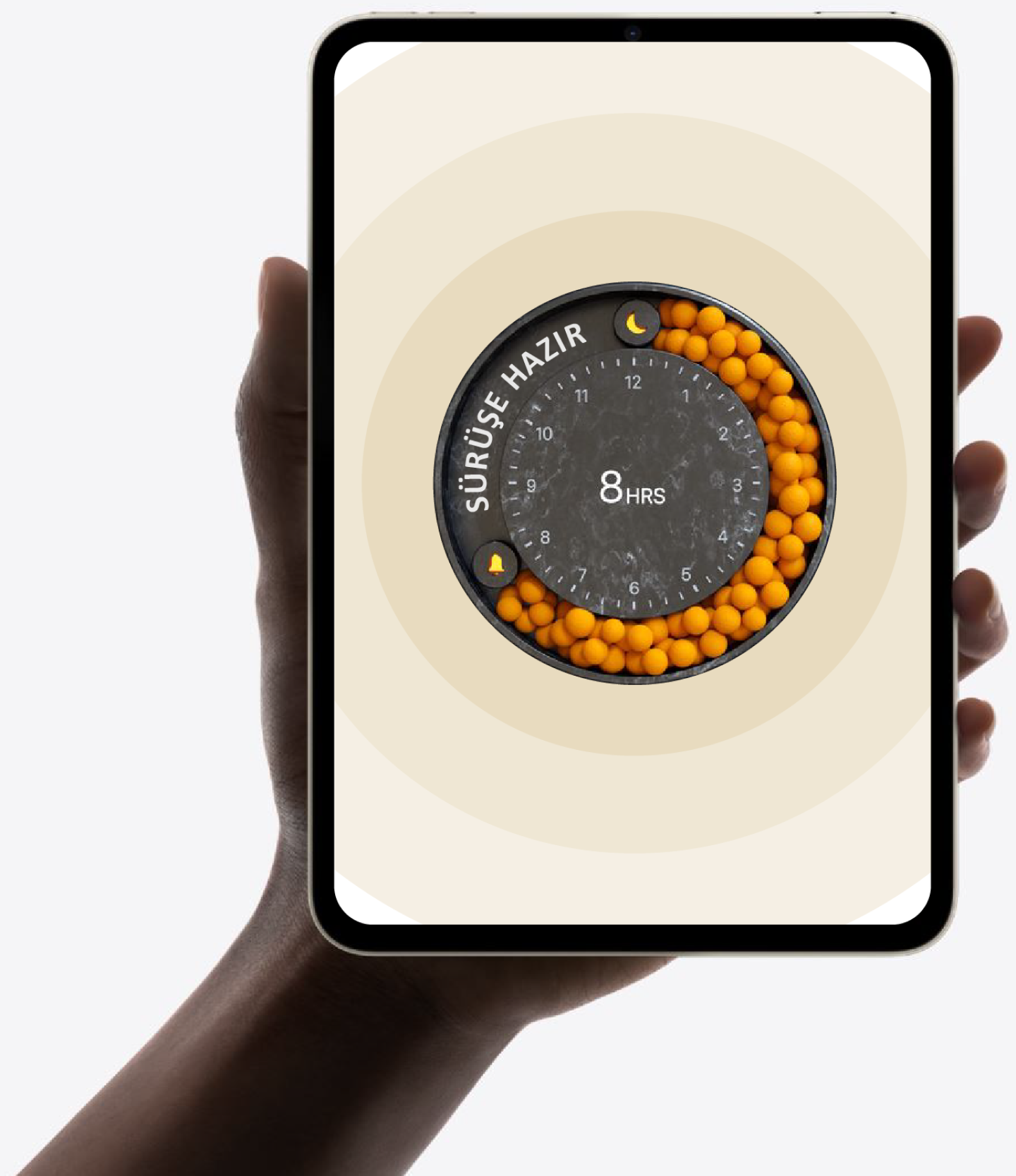
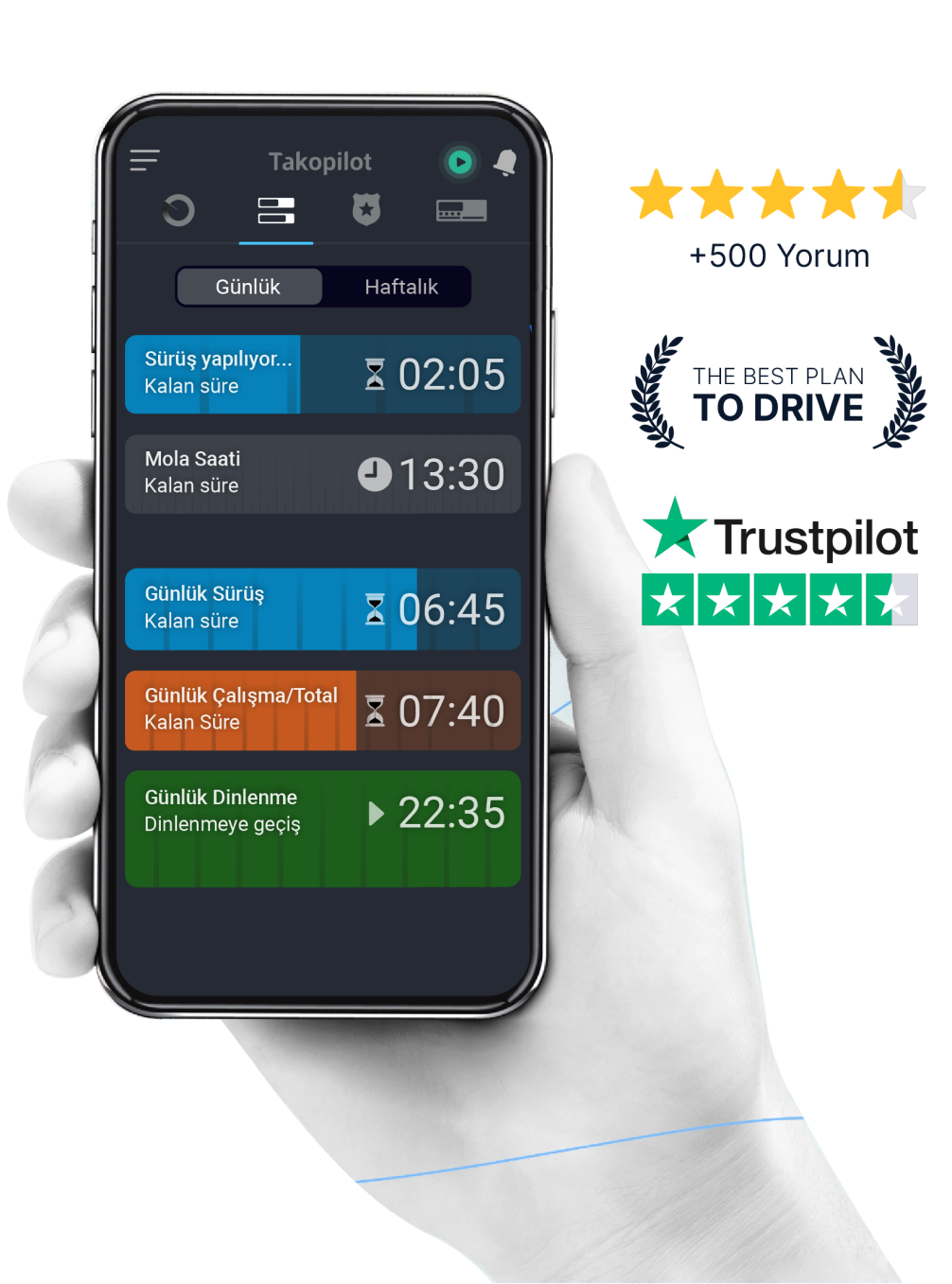

Automatic tachograph pilot.
Thanks to its powerful algorithms,
it offers the best driving scenario.
A flawless tachograph expert just for you.

Fast download and online view

Access to all devices
.png)